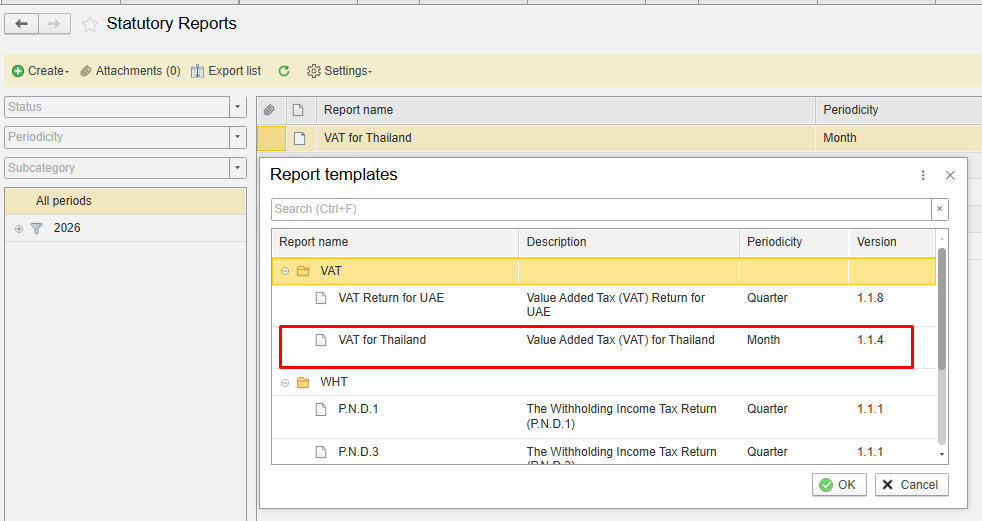
The PP30 VAT reporting form for Thailand is available in Statutory Reporting. You can generate the standard P.P.30 VAT return based on your VAT transactions and use it for statutory filing.
Installation #
Download the VAT Thailand (PP30) form from the Marketplace. The same forms are compatible with both the on-premises and cloud versions.
Required Settings #
- Enable VAT in Tax Settings. Specify the G/L accounts for Incoming and Outgoing VAT.
- In the Taxes list, add the VAT rates.
- Create tax groups including VAT rates, then assign them to relevant Items, Customers, and Vendors for automatic computation on transactions.
- Maintain the Address and Tax registration number for the Customers and for the Vendors.
- Enable the Statutory Reporting in the Accounting Settings.
- Install the form.
Generating the Form #
- Navigate to Statutory Reports and click Create
- Select the VAT Return form