
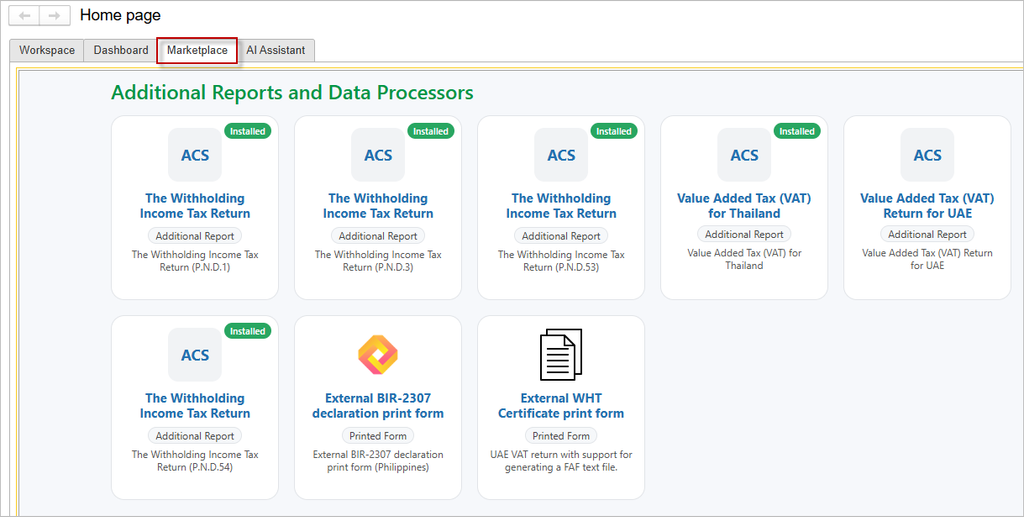
The Marketplace tab provides a centralized catalog of extensions and reporting forms that can be added to AccountingSuite. Users can install and remove these items independently, without assistance from technical support or developers.
Available Content #
- Extensions introduce additional functionality, integrations, and automation capabilities.
- Reporting forms are preconfigured report templates that can be added as required. Once installed, they become available in the Statutory Reporting tool.
Installation and Removal #
- Open the Marketplace tab.
- Select the required extension or reporting form and review its description.
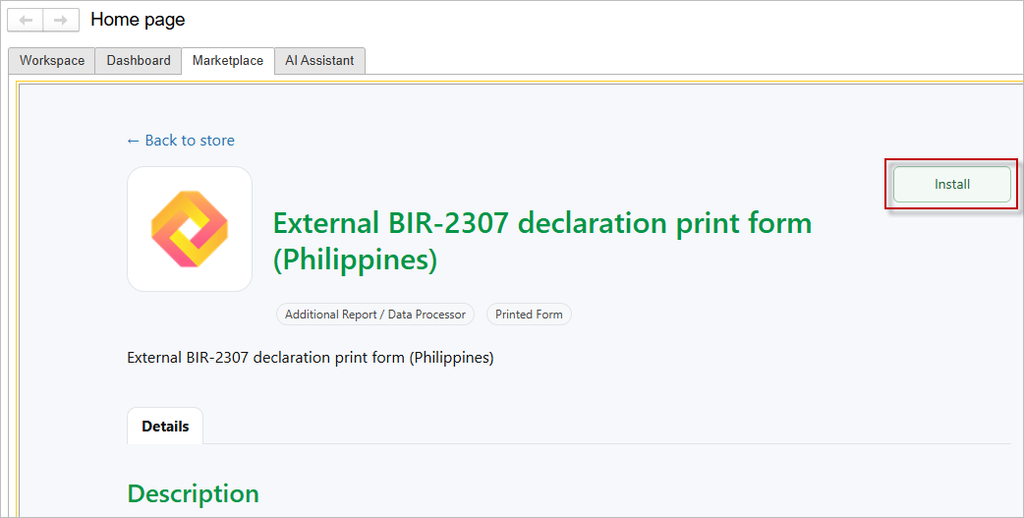
- Click Install. The item becomes available in the system immediately.
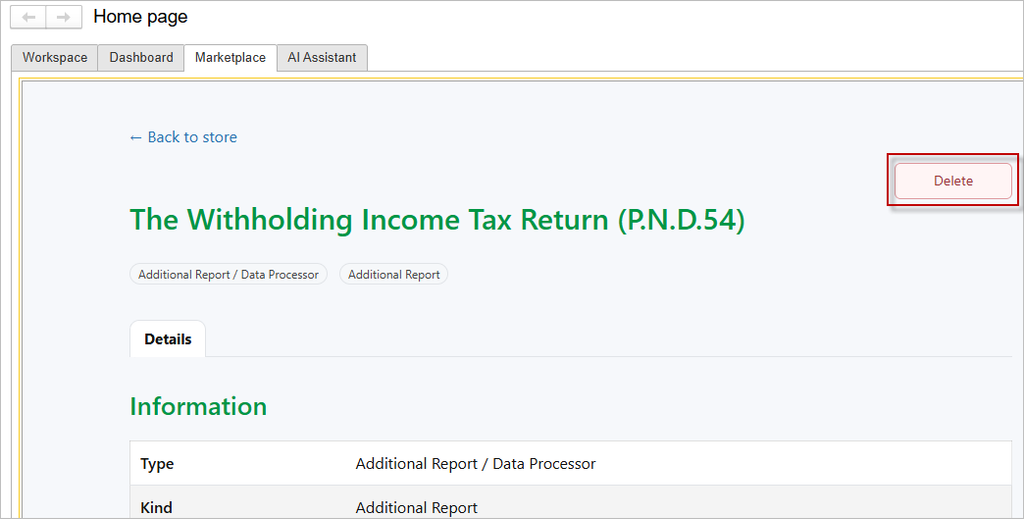
- To remove an item, open it and click Delete.
Installing or removing an item does not affect other system settings or existing data. Removed items can be reinstalled at any time.
Pricing #
Marketplace offers both free and paid items.
- Free items can be installed without additional conditions.
- Paid items display their price and terms on the item page before installation.