The BIR 2307 form is available in the demo database for review and testing purposes.
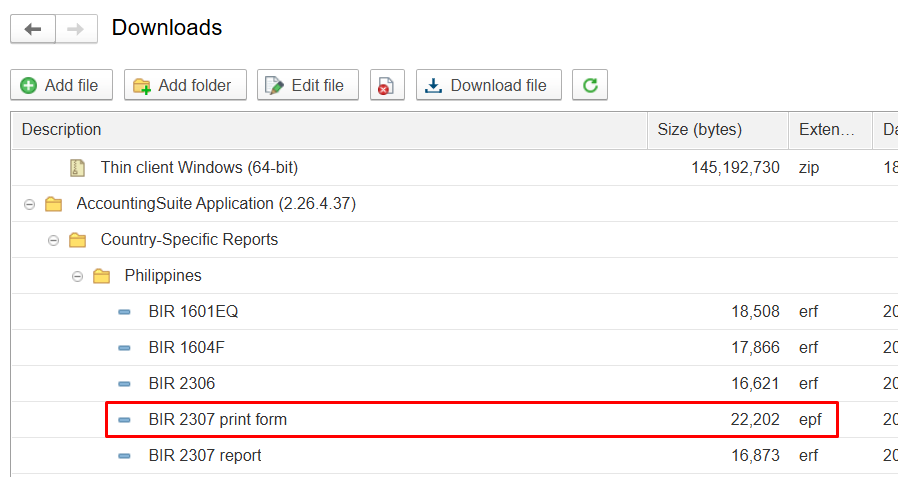
There are two files: one is a print form and the other is a report.Learn more.
Partners who use the on-premises version can download the BIR form from their Partner’s Personal Account for installation and further customization.
If you are a customer and you cannot download the file, then ask your partner to install it for you.
We provide this form so users can apply it directly and also use it as a learning example for their own development projects. Please refer to this article on how to apply Additional reports in the on-premises version.
To apply the Additional report in the cloud version, please contact us and provide the database number where it should be applied.
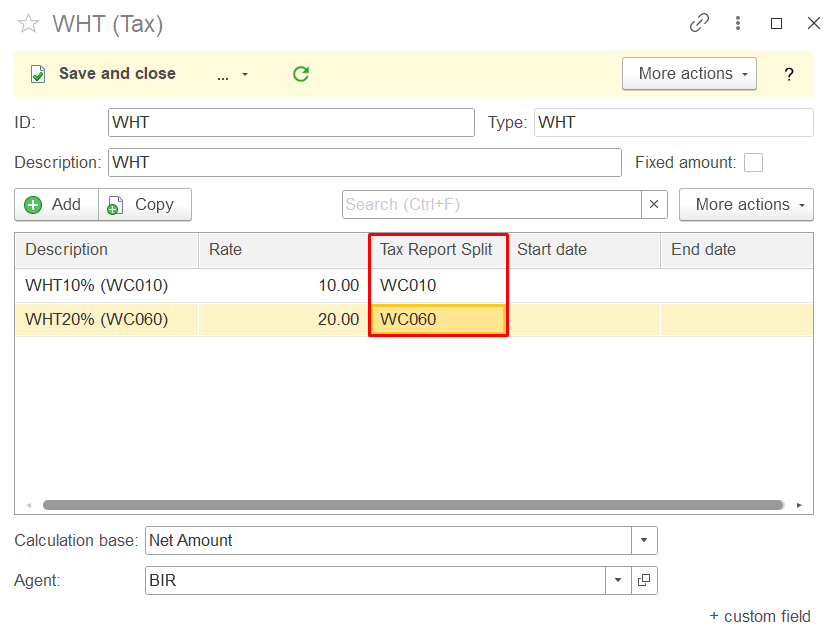
In the Taxes list, add withholding tax (WHT) rates with corresponding Alpha-Tax Codes (ATCs), such as WC160 for professional fees. Please refer to Tax Split Return article.
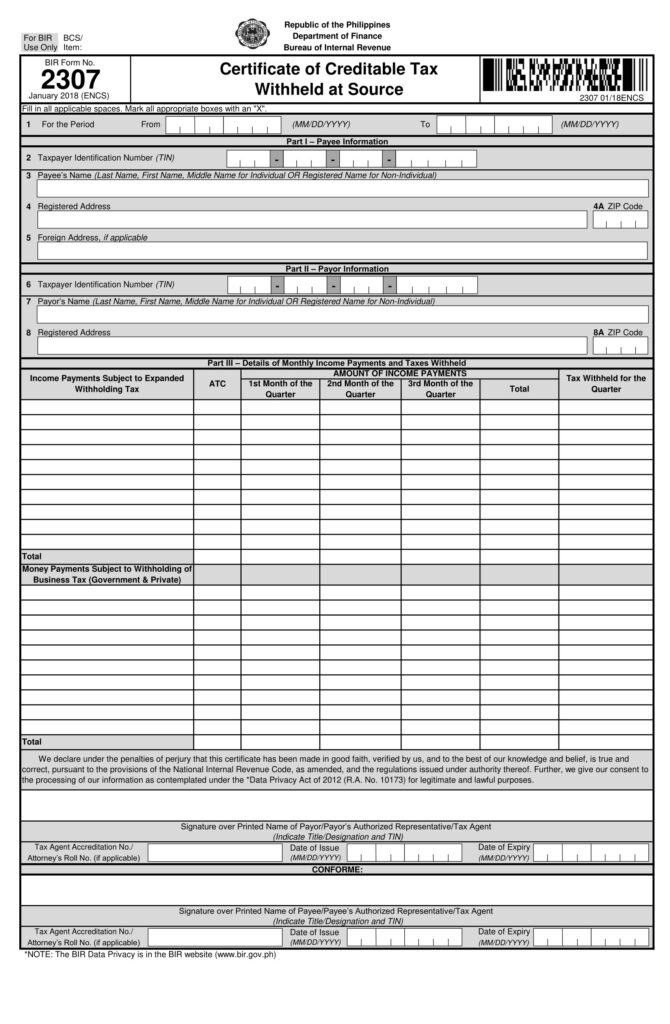
BIR Form 2307 is available in two formats: as a print form and as a report. While both share the same layout and visual appearance, they are designed for different operational purposes.
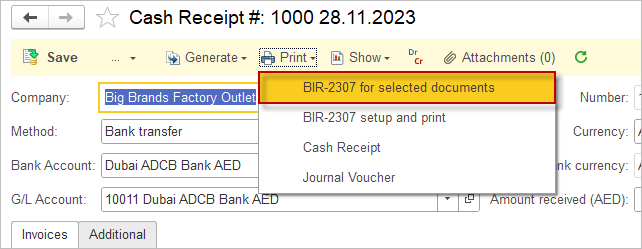
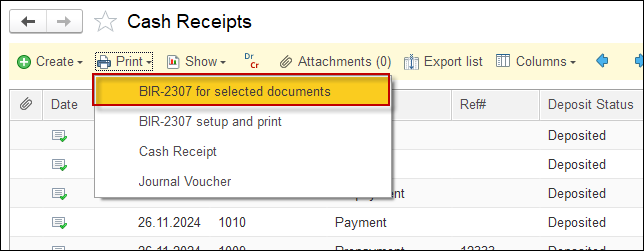
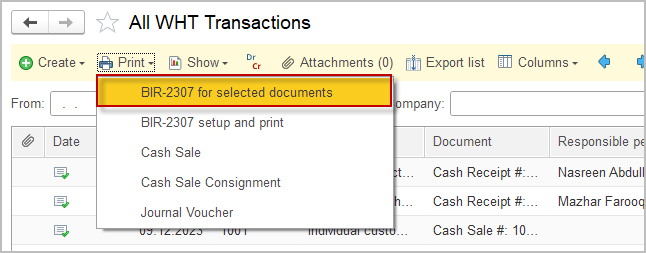
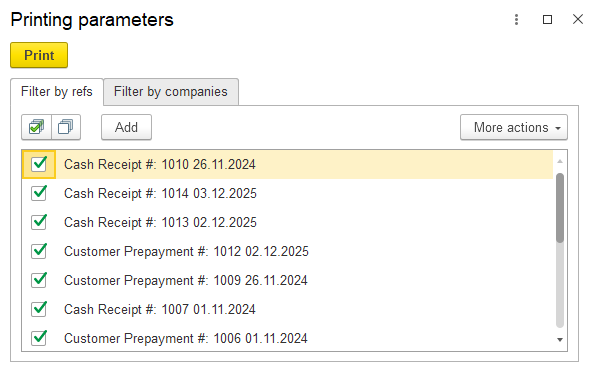
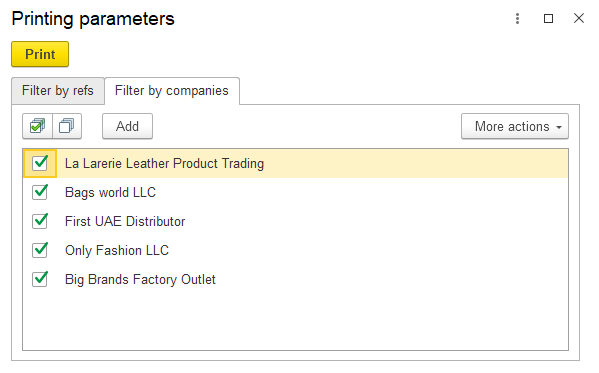
The print form is intended for document-level processing. It is typically used when generating BIR 2307 for a single transaction or a selected group of documents. This makes it suitable for on-demand issuance, corrections, or reprinting certificates for specific payees. How to run the print form.
In contrast, the BIR 2307 report in the SRT (Statutory Reporting Tool) is designed for batch processing. It allows users to generate BIR 2307 forms for multiple payees over a defined reporting period, such as a quarter. This approach is more efficient for compliance reporting and bulk preparation of withholding tax certificates. How to run the report.
For this option the BI 2307 with .erf extenstion is required. Please refer to this article on how to apply Additional reports in the on-premises version.
In the Statutory Reporting tool, click create, and select the 2307 Form.