
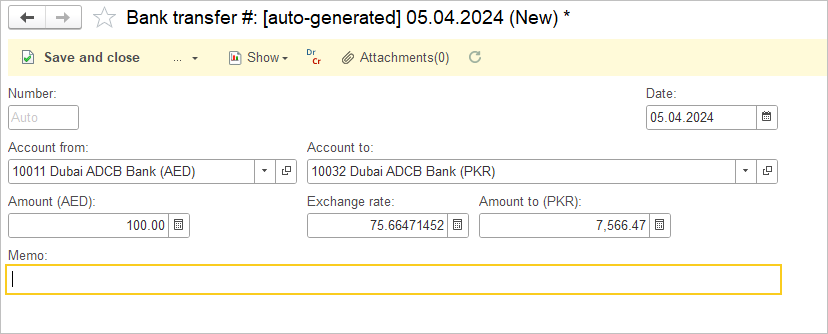
Bank Transfers record the movement of funds between two accounts for which you are tracking transactions in AccountingSuite.
The Bank Transfer feature enables you to efficiently manage internal fund movements. Use it to transfer money between Bank Accounts, move funds to or from a Cash on Hands / Petty Cash G/L account, or reconcile issued checks (Post Dated Checks G/L account). To record a transfer to cash on hands, simply leave the Bank Account field blank and select the G/L account to Cash on Hands / Petty Cash. To use with Post Dated Checks follow the Handling Post-Dated Checks guide.

Accounting #
Recording a Bank transfer creates the following transactions in the General Journal:
- Debits: Asset account (chosen in the document)
- Credits: Asset account (chosen in the document)